Tutorial: Create a colored zig zag pattern!

Motivation / Intro

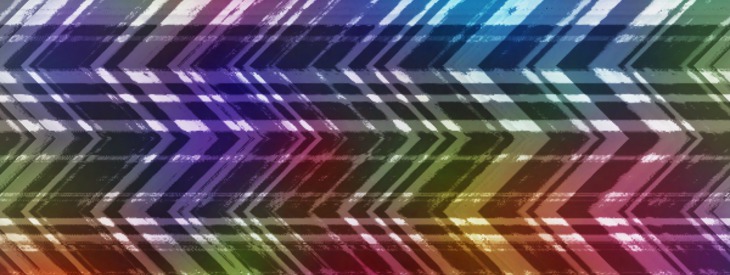
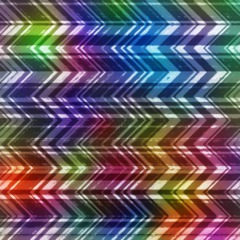
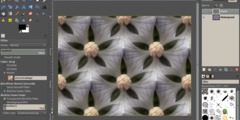
This tutorial is a very simple one showing a way to create a interesting zig zag pattern in GIMP. It has no special sense, but it is well usable in various ways (webdesign, background for something, etc).

Tutorial details

  • Category: Simple effects
  • Written by , translated by devvv
  • Created on Dec 11, 2011, last updated 2 months ago
  • Time to reproduce: ≈5 minutes Skill_1
  • Tested with GIMP 2.7
Creative Commons License
This work by Bernhard Stockmann is licensed under the Attribution-NonCommercial 3.0 Unported terms.
Your Ad Here
  1. 1

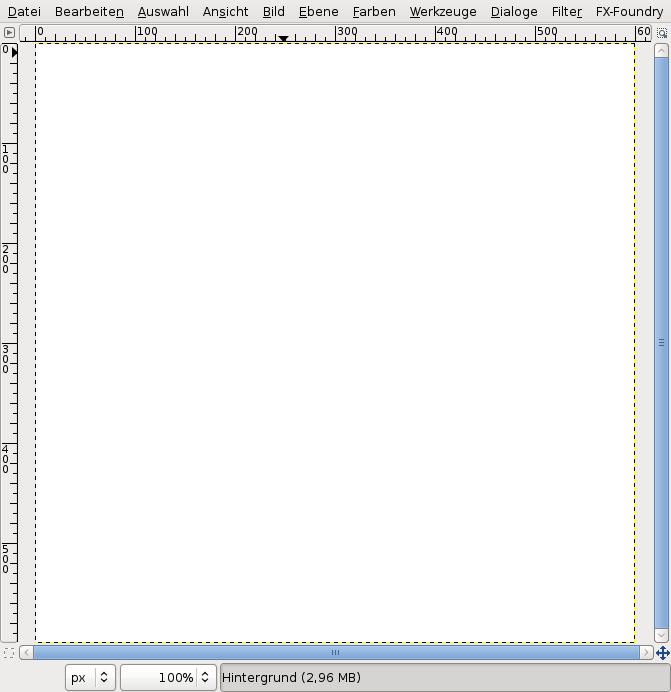
    Create a new document: 600×600px. White background.

  2. 2

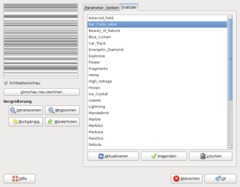
    Go to Filter / Render / Fractal explorer.

    Switch to the “Fractals” tab, choose the second one – its called “Bar code label”. Double click it, then press OK and the pattern will be rendered.

  3. 3

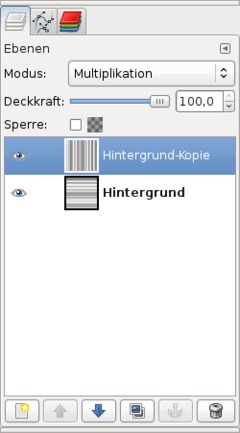
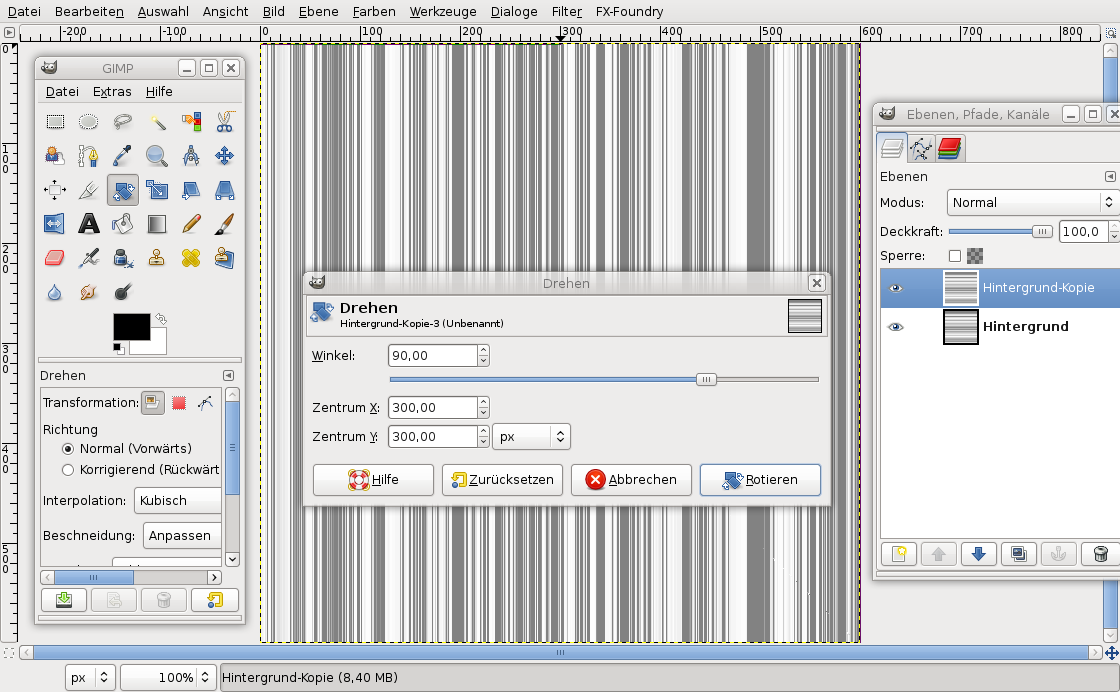
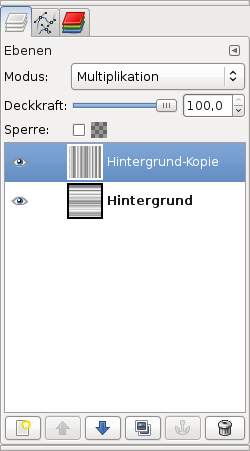
    Duplicate the background layer once (the hotkey combination for this is CTRL+SHIFT+D). On the copy use the Rotate tool. Click the layer on the canvas and set 90°. Press OK

  4. 4

    Set the layer mode (this is a drop down menu found atop the most top layer in the layers dialog) to “Multiply”.

  5. 5

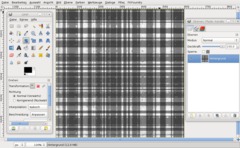
    Press CTRL+M or go to Image / Flatten image. This combines the current view of all layers to be on one single layer.

    After that go to Filter / Artistic / Oilify. Remain the settings on 8/8. Just click OK to apply the filter.

  6. 6

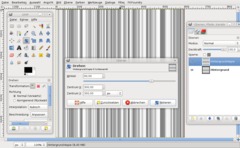
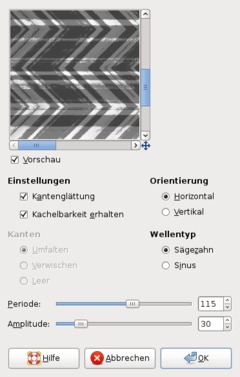
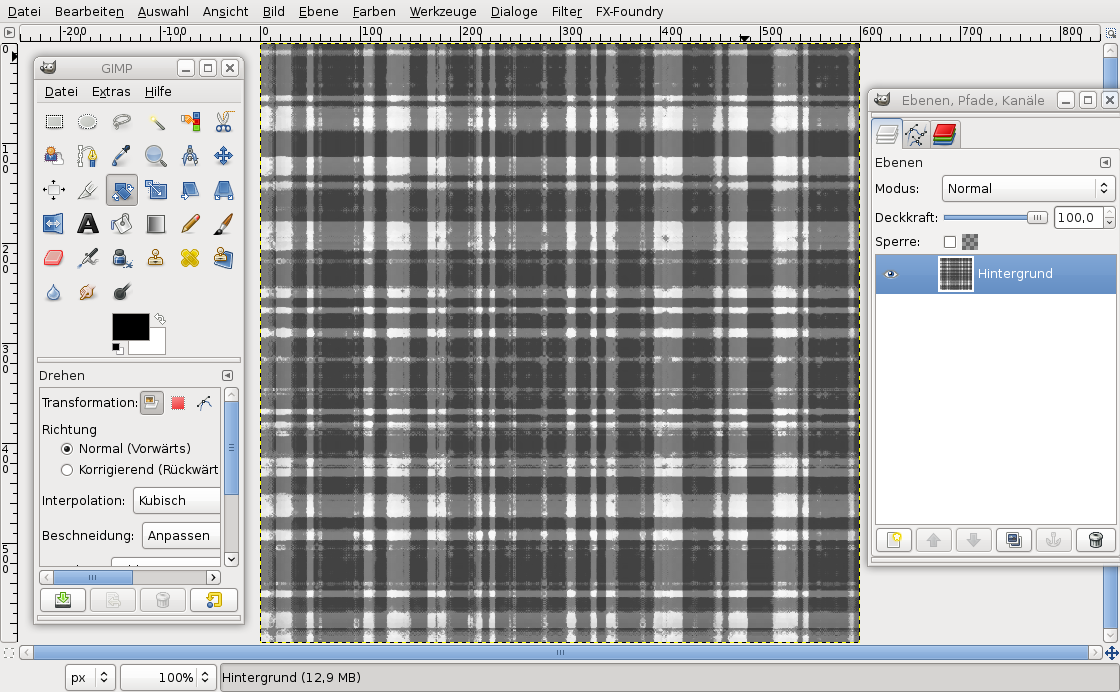
    Next go to Filter / Distort / Ripple. Take the values from screenshot please:

  7. 7

    The pattern itself is done by now! Not it’s time for some color ;). There are various ways to get the color in. I.e. you can just use Colors / Color Balance or you can make it super colored using this technqiue:

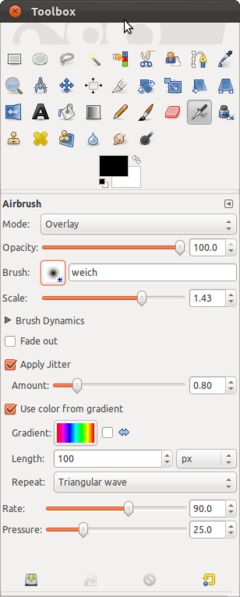
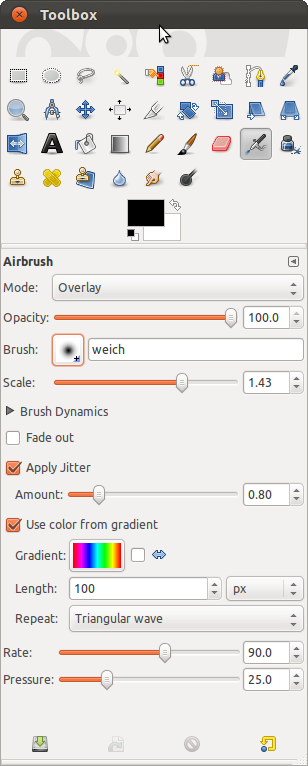
    Choose the Airbrush tool (hotkey = A). Create a new very smooth, also big brush (go to Windows / (Dockable) Dialogs / Brushes and click “New”). After you created it choose it from the brushes drop down menu in the airbrush options. In the screenshot my brush is named “weich”. Use the options from the screenshot please:

  8. 8

    After that paint with the airbrush straight through the image. The more you move over the same area the more intense the color will be.

    Just experiment a bit with it ;)

  9. 9

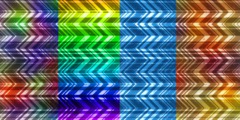
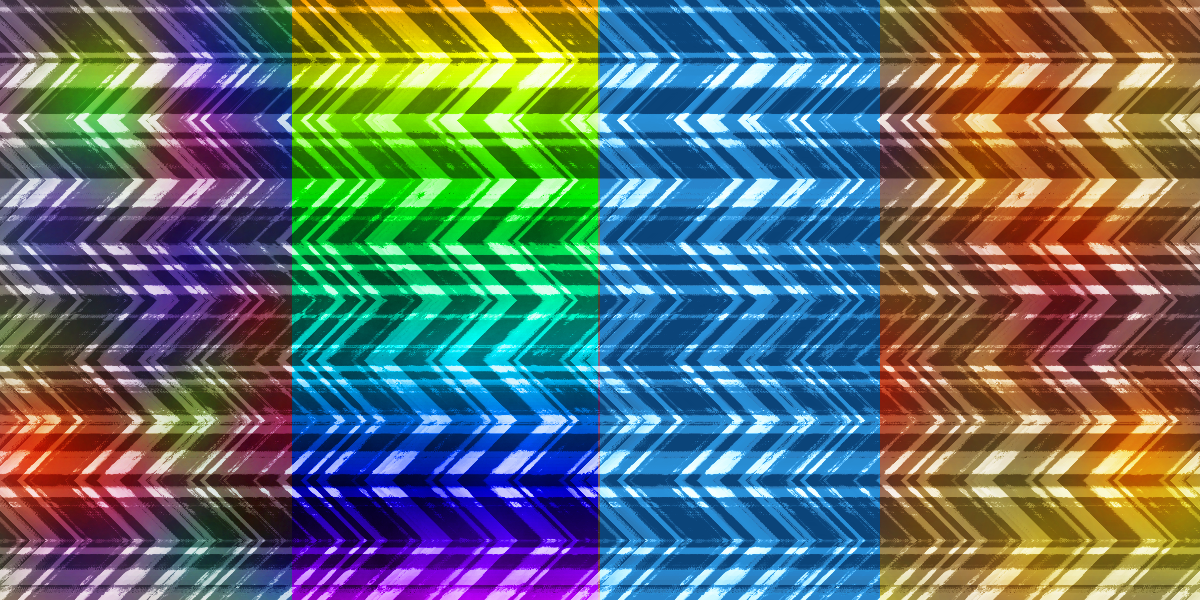
    Some different color settings:

Comments

Post your own comments, questions or hints here. The author and other users will see your posting and can reply to it.

Of course, you can also ask in the chat.

Subscription management

Please log in to manage your subscriptions.

*

As a registered user, you can rate articles and comments, attach files to comments, subscribe to topics and you don't need to solve CAPTCHAs anymore.

*…optional

kensgirl91 kensgirl91 member for about 1 month
about 1 month ago

@kestrel4 I to wanted to use gimp as just for improving photos. I didn't want to do all the designs and such that many tutorials were showing. But then I found that by using tutorials like these, especially short easy ones, I started to learn the different effects that I would be able to use. Hope this makes sense.

devvv devvv member for over 5 years
2 months ago

GIMP is a program to be used in many ways. This can be i.e. used for background in webdesign, textures for 3d models... or somethng like that. I will however try to make some more things for photographers ;)

kestrel4
2 months ago

I have never worked out why anyone would want to create this or any of the other odd patterns and weird effects I get told about in these tutorials. What I want to do with GIMP is edit and improve photographs whilst keeping the realism. Is that something that just boring Photoshop users do? I feel like I'm in the wrong room.

Welcome!


Lost password?

Sign in with Facebook
Sign in with Google
Sign in with Twitter

Not a member? Sign up!

Random tutorials | Latest tutorials

  1. Generate a stripe-like texture Generate a stripe-like texture 6
  2. How to generate realistic mass waterdrops on a surface How to generate realistic mass waterdrops on a surface 40
  3. Creating a Vista-like wallpaper Creating a Vista-like wallpaper 14
  4. Creating an industrial-style wallpaper Creating an industrial-style wallpaper 9

Latest comments

I have been attempting to compile GIMP version 2.7.4 with the instr... (2 days ago in Compiling GIMP 2.7.2 for Ubuntu 11.04)

Fantastic beginner tutorial for Python filter writing. Thanks much... (3 days ago in Write a Python plugin in GIMP (HD-VIDEO))

OK I got it I think. I am using Windows 7 (Pro I think...) 64 bit (... (3 days ago in Installing Python for GIMP 2.6 (Windows))

Poll

How well do you accomplish the tutorials and instructions for GIMP here on gimpusers.com.

Latest forum activities

Your Ad Here

facts & numbers

gimpusers.com RSS feed

51 identi.ca followers
754 Twitter followers

powered by bitfire it services