







Tutorial: Making a pencil drawing from a photo

Motivation
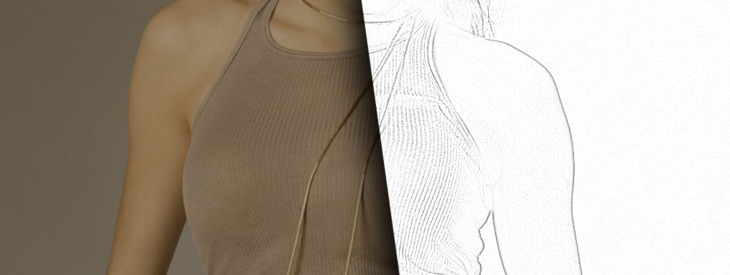
Comic artists have it easy - they can scan their pencil drawings and then edit them. But how to make a realistically looking pencil drawing from a photo? In this tutorial you will learn how to convert almost any image into a good-looking pencil drawing, and yon even won't need edge detection filters. All you need are a few different layer modes.
Tutorial details
- Category: Photos / wallpapers
- Time to reproduce: ≈20.0 minutes

- Tested with GIMP 2.4
-
1
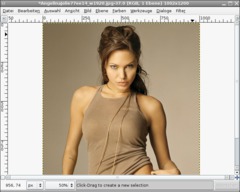
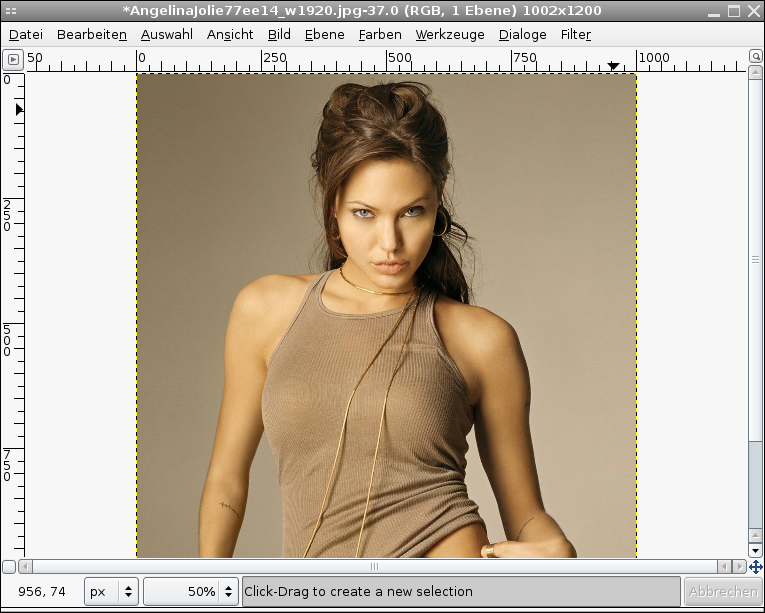
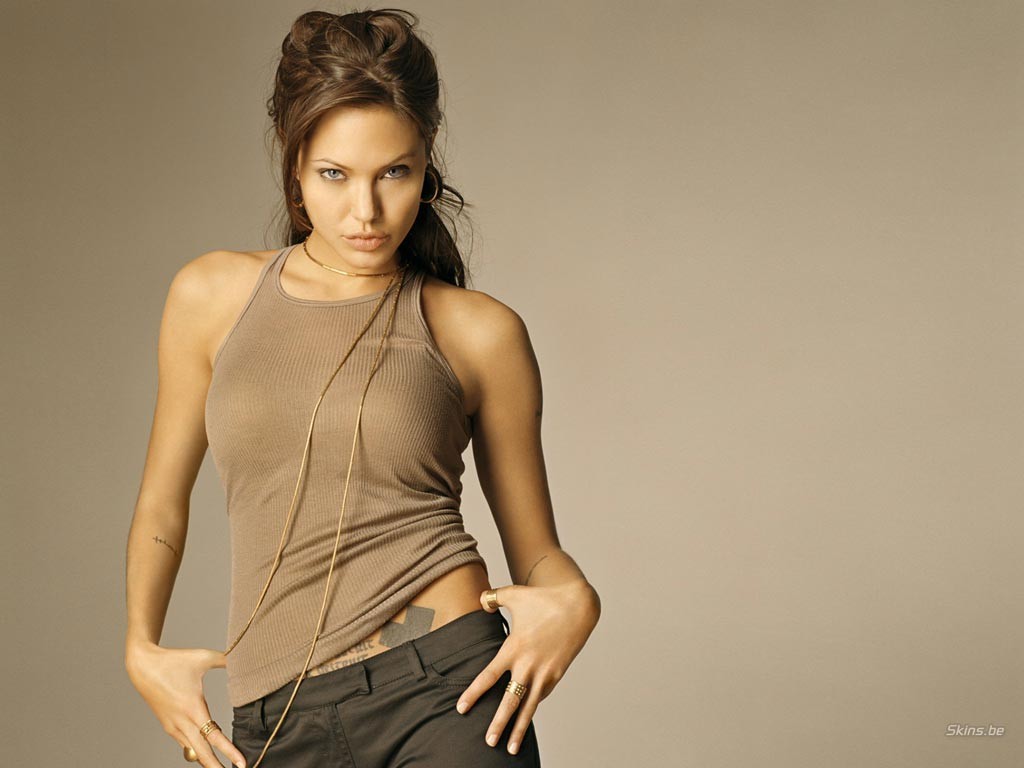
Open any photo you like. If you want to do the tutorial exactly as shown here, feel free to use the photo of Angelina Jolie (download link on the right side below the tutorial details).
-
2
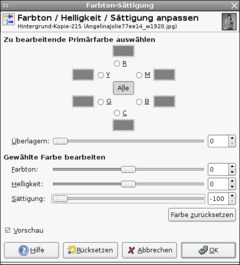
Duplicate the background layer. On the duplicate: remove the colors by using Colors / Hue-Saturation. Set the saturation to -100:
-
3
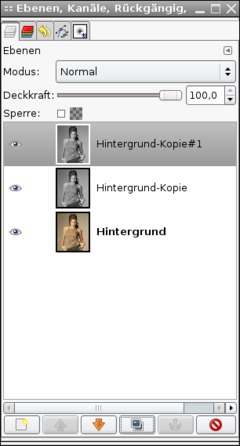
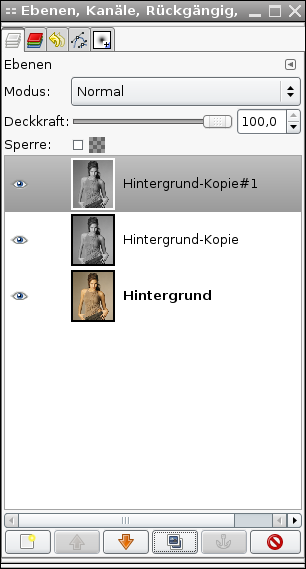
Duplicate this color-less layer again. Now you have 3 layers.
-
4
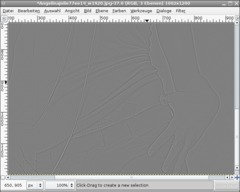
Now choose Filters / Blur / Selective Gaussian Blur, value: 4. Then use Colors / Invert. Then change the opacity of the layer to 50% to get a grey layer that shows the photo’s edges very weak.
-
5
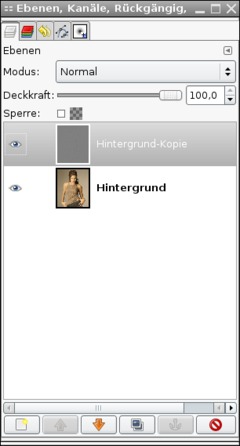
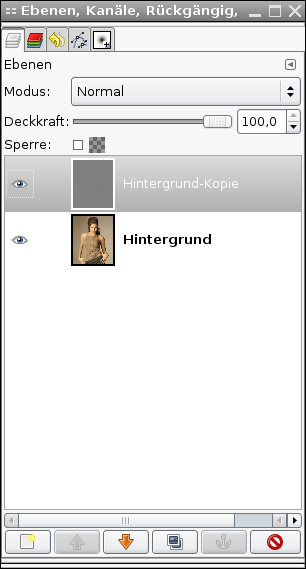
Merge the layer with the layer down: right-click the layer in the Layers window and choose “Merge down”.
-
6
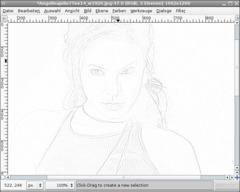
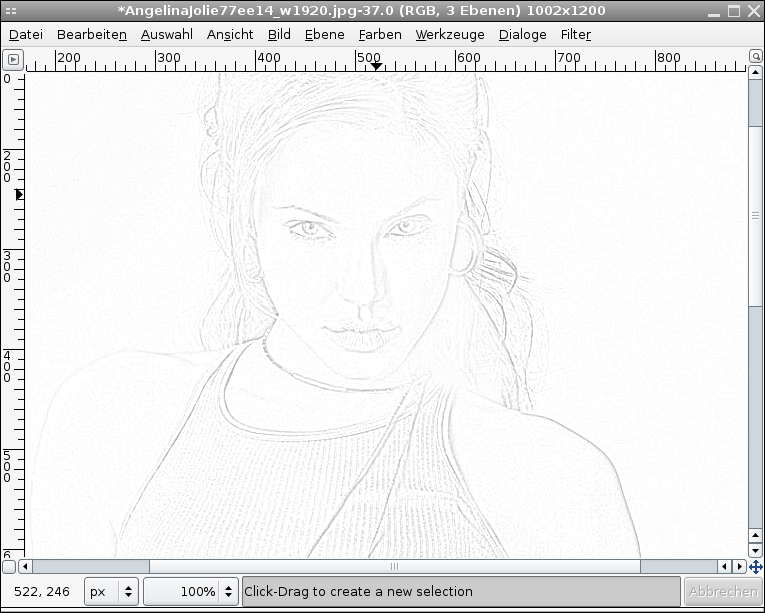
Duplicate the now merged layer and change the new layer’s mode to “Dodge”.
Now the pencil drawing is finished!
-
7
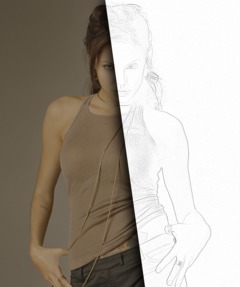
If you want to point out the grey lines some more, you can do so as follows:
Merge the two grey layers so that you can find the line drawing on a single layer. Duplicate the layer again and change its mode to “Multiply”.
Repeat this step as often as you like (until the width of the lines is OK).
On my image I have applied a layer mask over the line drawing so there is a transition between photo and line drawing. (To do so duplicate the original photo and move this layer to the top of your layer stack. Then right click this layer in the layers dialogue and click “Add layer mask”. There should be a white are beside the layer. Click it to make sure you work on the layer mask. On this you can paint (i.e. using the Paintbrush tool) with black and gray tones to make some parts of the layer contents disappear (paint black = make disappear, paint white = show, paint gray = make semi transparent). So you can make a cool transition between your pencil drawing and the original photo).
Have fun!







Comments
Post your own comments, questions or hints here. The author and other users will see your posting and can reply to it.
Of course, you can also ask in the chat.
Subscription management
Please log in to manage your subscriptions.
User rating
This topic (Making a pencil drawing from a photo) has been rated 4.3/5.0.
New comments are disabled because of spam.