







Tutorial: Installing Python for GIMP 2.6 (Windows)

Motivation
Today, most GIMP scripts/helpers/extensions are written using Python instead of the outdated SCHEME (known as Script-Fu). This allows a lot of great possibilities, but at the moment the installation of GIMP-Python (PythonFu) for Windows requires a few steps. I will try to explain them in this article.
Tutorial details
- Category: Scripts & programming
- Time to reproduce: ≈10.0 minutes

- Tested with GIMP 2.6
-
1
This tutorial has been tested with:
- Windows XP (32-bit), GIMP 2.6.11, Python 2.6.6, PyGtk all-in-one (all 32-bit), had to reboot (see step 11)
- Windows Vista (32-bit), GIMP 2.6.11, Python 2.6.6, PyGtk all-in-one (all 32-bit), had to reboot (see step 11)
- Windows Vista (64-bit), GIMP 2.6.11, Python 2.6.6, PyGtk all-in-one (all 32-bit)
- Windows 7 (64-bit), GIMP 2.6.11, Python 2.6.6, PyGtk all-in-one (all 32-bit)
If it works for you, please post your configuration to the comments.
-
2
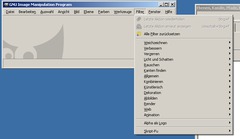
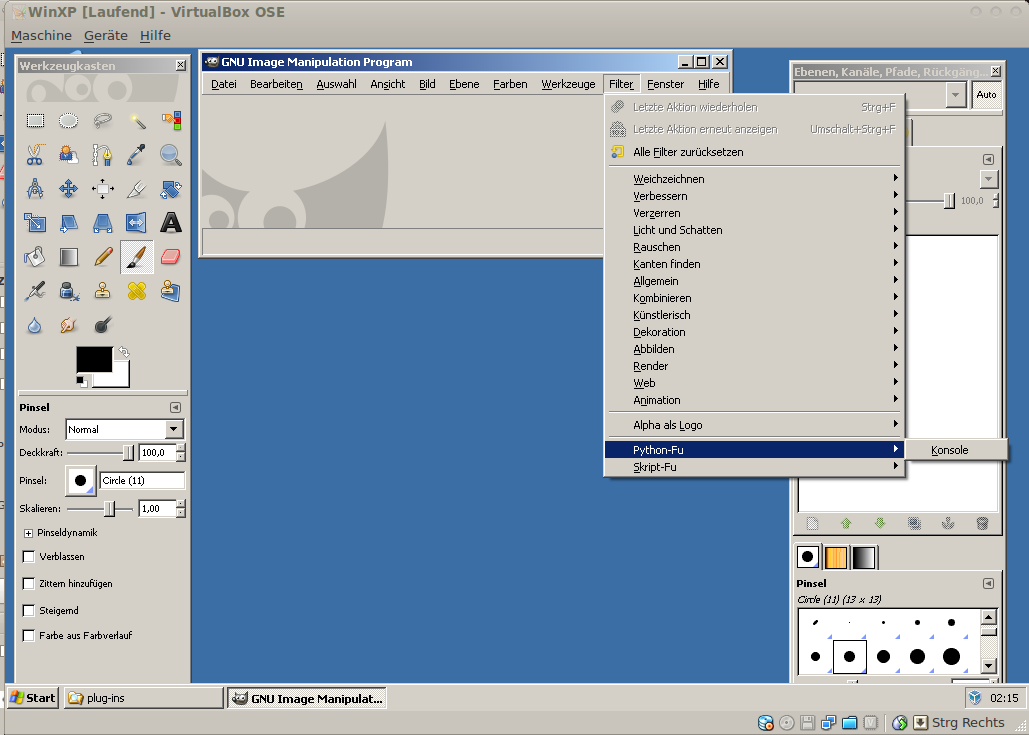
Before you install Python scripts and wonder why they don’t work, make sure that your GIMP installation contains Python support.
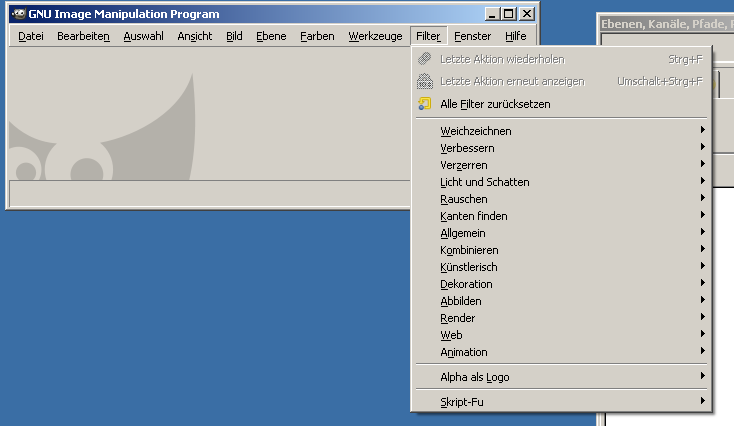
You can determine this by looking into the “Filters” menu. If there’s a entry named “Python-Fu” next to “Script-Fu”, Python support is available.
On the screenshot, you can see a German GIMP installation without Python support (no Python-Fu menu entry next to Script-Fu).
This tutorial will cover the situation that GIMP for Windows is already installed and the missing Python support shall be added.
-
3
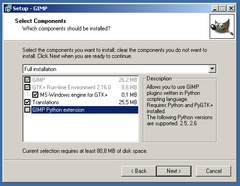
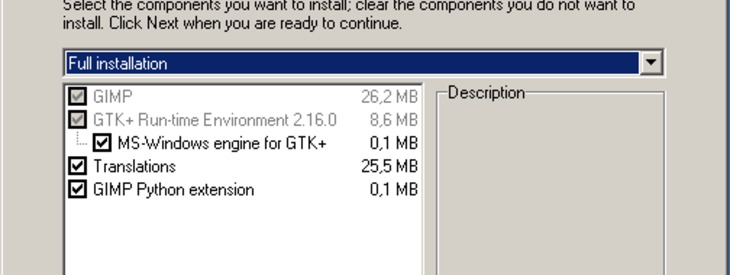
Python is a programming language (scripting language) that is not shipped with GIMP, but can be downloaded separately. GIMP accesses to an installed Python interpreter and makes use of it.
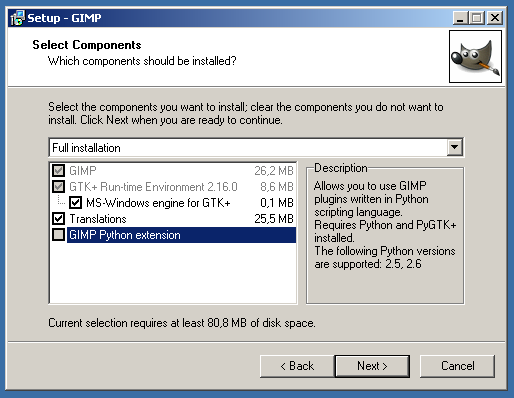
If Python is not available at the time of installing GIMP, the required Python support module for GIMP won’t be installed (see screenshot: it shows a GIMP installation window in custom mode, the “GIMP Python Extension” checkbox is disabled because Python is not available). It also shows that only Python 2.5 and 2.6 are supported.
As a consequence, you will have to install the necessary GIMP modules (= re-install GIMP) after installing Python, too!
-
4
There has been some confusion about different 32- and 64-bit versions of Windows, GIMP and Python.
There are some rules for selecting the components:
- There are GIMP builds for Win64, but they’re experimental and should only be used for testing. So if you download GIMP, you’ll normally get a 32-bit GIMP (perfectly usable with Win32 and Win64).
- GIMP and Python have to be compiled for the same platform. So either you use the experimental 64-bit GIMP and Python 64-bit (not recommended) or you use the default 32-bit GIMP and a 32-bit version of Python (recommended).
- Only Python 2.5 and Python 2.6 are supported by GIMP. I tried Python 2.7 and it didn’t work for me, Python 3 won’t either.
-
5
Download these files:
From python.org – choose the latest Python 2.6 version, then download the “Windows x86 MSI Installer”*
PyGtk – click on “all-in-one installer” and download the pygtk-all-in-one-…win32-py2.6.msi file.
*If you’re using the experimental GIMP/64, download Python/64 and PyGtk/64 instead. If you don’t know what this means, ignore this note.
-
6
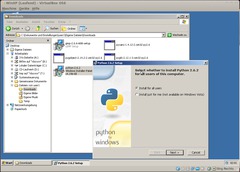
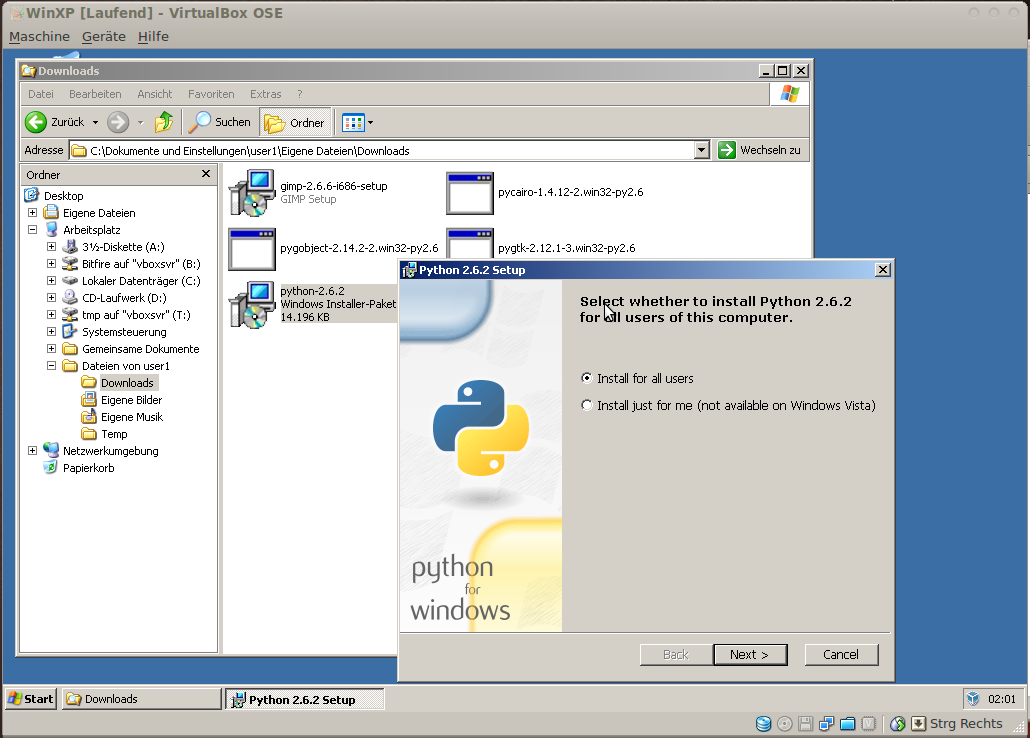
At first, install Python by launching the .msi file. Choose “install for all users”.
-
7
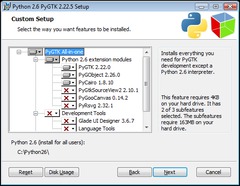
Then run the PyGTK all-in-one-installer and install PyCairo, PyGtk and PyGObject. (If you are asked, install for all users too.)
-
8
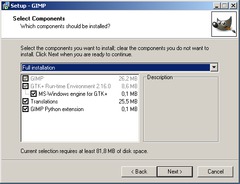
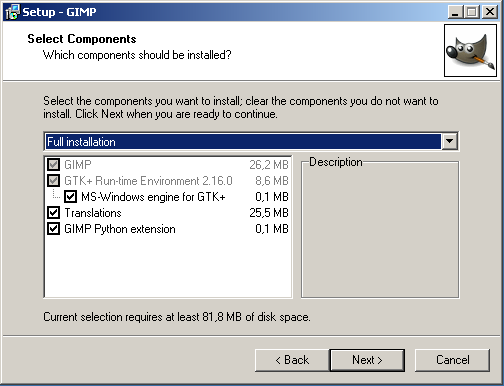
As explained above, you have to install GIMP’s Python support now. The easiest way to do so is to re-install GIMP (in my test, preliminary uninstall was not required).
If you chose the customized setup (not required), you can see that the “GIMP Python Extension” will be installed now.
-
9
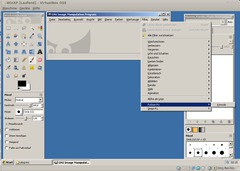
Python support is now available in GIMP. Check by verifying that the Python-Fu menu is now available (see screenshot).
-
10
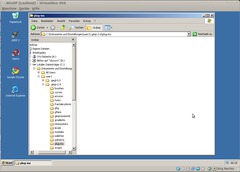
By default, Python plugins (the .py files for the effects) must be stored either
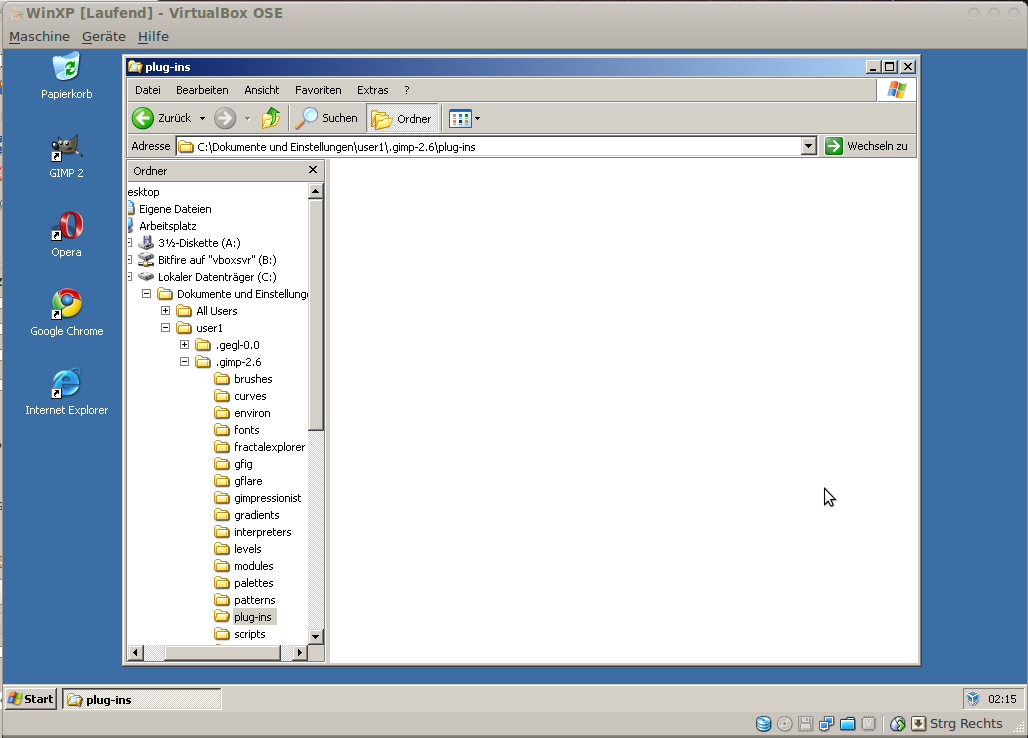
- in the .gimp-2.6/plug-ins directory of the user’s home folder (for instance, C:\Users\MyUsername\.gimp-2.6\plug-ins) or
- in the lib\gimp\2.0\plug-ins subdirectory the GIMP installation directory (for instance, C:\Program Files (x86)\GIMP-2.0\lib\gimp\2.0\plug-ins.
You can see and configure these directories when you start GIMP and choose Edit/Preferences/Folders\Plug-Ins.
As soon as you restart GIMP, the plugins should be available. On the screenshot you can see the directory of “user1” where the Python-Fu plugins have to be stored.
-
11
If the plug-ins show up but don’t do anything:
- Reboot your system. On some systems, I had to reboot after installing GIMP. I don’t know why and I don’t want to know it, but before it didn’t work and then it did.
- Also try to put the plug-ins into the GIMP installation folder (not the user folder) as described above.






Comments
Post your own comments, questions or hints here. The author and other users will see your posting and can reply to it.
Of course, you can also ask in the chat.
Subscription management
Please log in to manage your subscriptions.
User rating
This topic (Installing Python for GIMP 2.6 (Windows)) has been rated 4.0/5.0.
New comments are disabled because of spam.