







Tutorial: Cool glowing text

Motivation
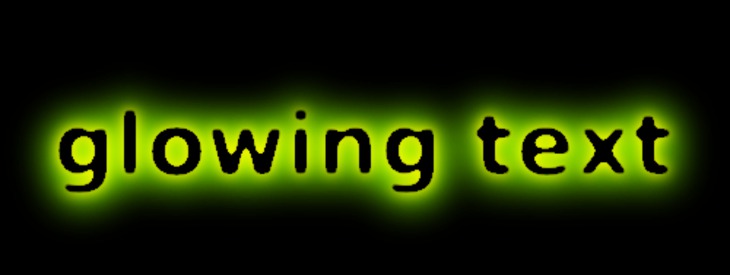
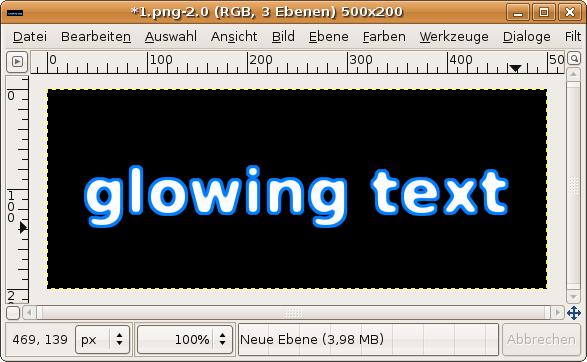
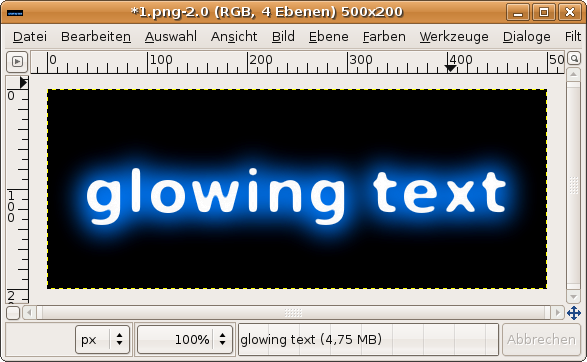
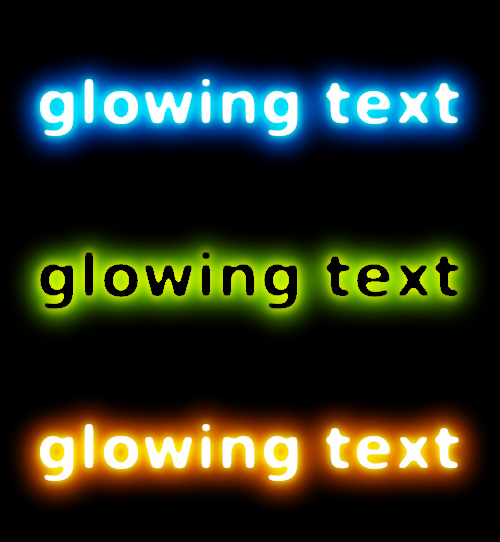
In this tutorial I'll show you how to get this pretty nice glowing text effect using GIMP. In my opinion glowing text looks much better if you have text with a rounded font. Take a look at the rounded corners-tutorial if you want your special font to be rounded off.
Tutorial details
- Category: Text effects
- Time to reproduce: ≈10.0 minutes

- Tested with GIMP 2.3.10
-
1
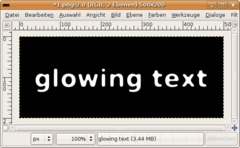
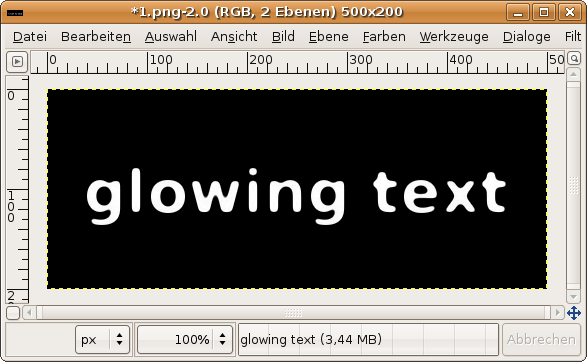
New file: 500×200px.
- Fill the background with black color.
- Take the text-tool and write any text you want onto a new layer. Use a font size of 60 for this at least.
- Layer / Layer to picture size. Now your text-layer should be renderend and have the same size as the whole picture. -
2
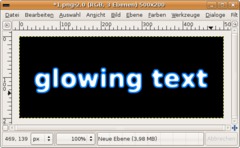
The next step is to create a strong outer glow.
- Click the layer with your right mouse button in the layers dialog menu. Choose “Selection from Alpha”.
- Select / Grow: 3px
- Add a new layer, name it “schein nach aussen” (which measn outer glow in German ;)).
- Fill the selection on this layer with #007eff
- In the layers dialog move the layer behind the text-layer -
3
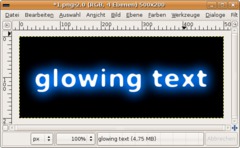
- Select / None (CTRL SHIFT A)
- Filter / Blur / Gaussian: 45px.
- Duplicate the layer and apply a gaussian blur again: 30px. -
4
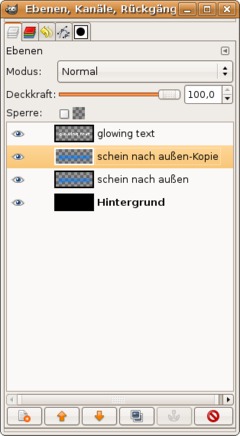
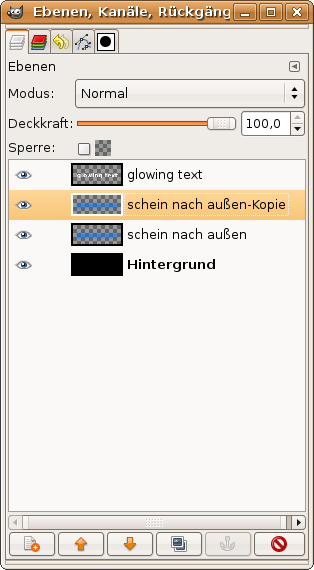
My layers look like this now:
-
5
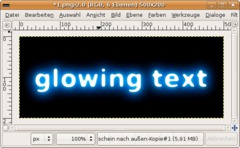
Click the glowing text-layer in the layers dialog to activate it.
- duplicate it
- on the duplicate apply another gaussian blur. Take a value of 15.
- Set the layers mode (found in the layers dialog at the very top above the opacity) to “Dodge”. -
6
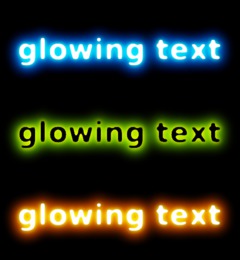
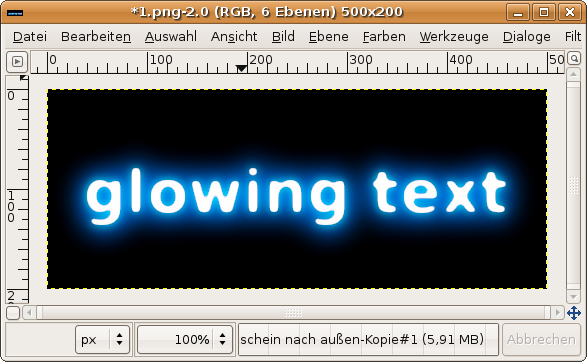
- Duplicate the “schein nach außen” / “other glow”-layer.
- in the layers dialog move it to the top of all layers, so thats it is above all the other layers. Set the layers mode to “Dodge” again. This step makes the glow effect even stronger ;)Thats it. Have fun with your own glowing text!





Comments
Post your own comments, questions or hints here. The author and other users will see your posting and can reply to it.
Of course, you can also ask in the chat.
Subscription management
Please log in to manage your subscriptions.
User rating
This topic (Cool glowing text) has been rated 3.0/5.0.
New comments are disabled because of spam.